
Remote work from a campervan: internet, power and your desk set-up
For remote work from a campervan: coverage maps, mobile routers, external antennas and satellite internet options, daily power needs, an ergonomic work corner and a plan for long stays.
Teknovan Editorial Team ·

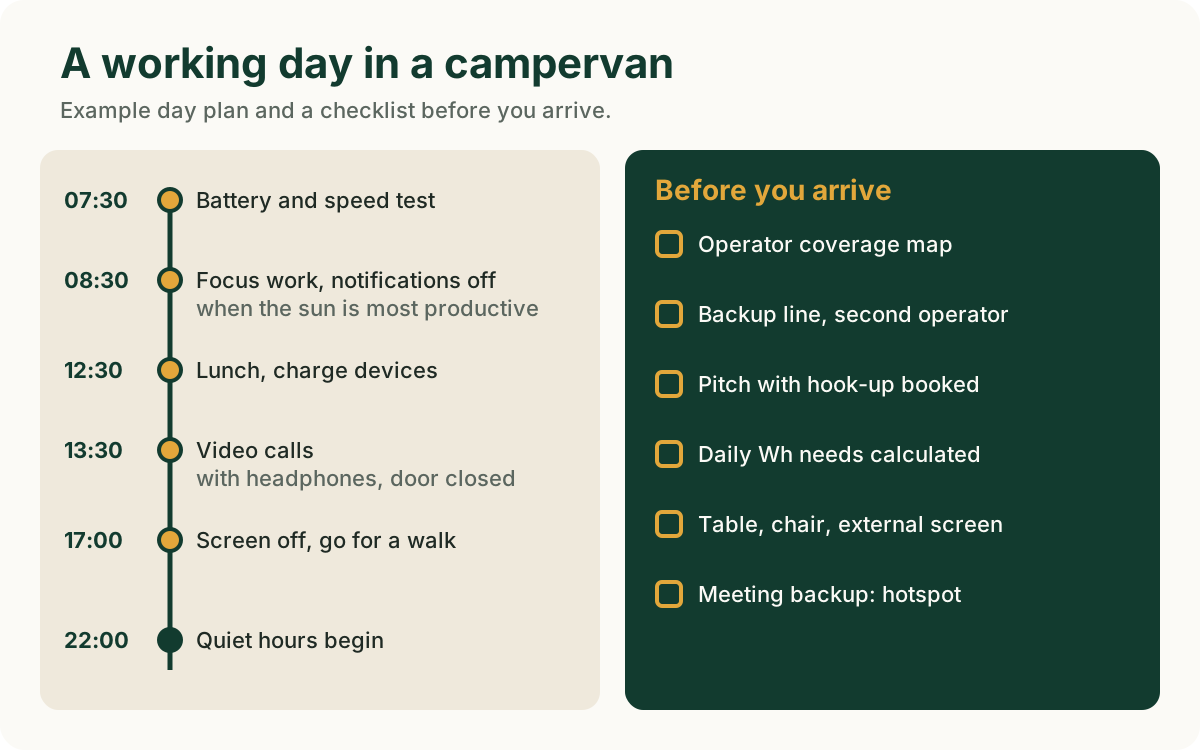
Working remotely from a campervan is possible and increasingly common, but the view is the easy part. Three things shape the working day: reliable internet, enough power and a desk that doesn't hurt your back. In short: check your operator's coverage map before choosing a campsite, keep a backup line from a second operator, book a pitch with electric hook-up and raise your laptop to eye level. This post covers each of these in turn and ends with a monthly plan for long stays.
Internet: coverage, router, antenna, satellite
Coverage map first. Mobile operators in Türkiye publish coverage maps on their websites. Check the location of the campsite you're considering on these maps. Maps give a general idea, but in a forest, at the bottom of a valley or in a bay behind a mountain the signal can be weaker than shown. The most reliable information comes from asking the campsite: "Which operator has good signal here, and do you get guests who do video calls?"
The campsite's Wi-Fi. Many campsites have Wi-Fi, but a shared network can slow down in the evening and may not be enough for video calls. Think of Wi-Fi as the backup and your own mobile connection as the main one.
Mobile router and backup line. Your phone's personal hotspot is fine for short tasks. If you'll be working every day, a separate mobile router (MiFi or 4G/5G router) is easier on heat and battery. The most robust set-up is two lines from two different operators: one in the router, one in the phone. When one operator's signal is weak, you switch to the other.
External antenna. Some routers have an external antenna port. An antenna mounted on the campervan roof or on a pole can get a better signal than a router inside the metal body. Devices that pick up the mobile signal and re-broadcast it, called "signal boosters" or "repeaters", are a different category: they are radio devices, and unsuitable ones can cause interference on the network. As of the time of writing (November 2026), check with your operator and the regulations of the Information and Communication Technologies Authority (BTK) before buying such a device.
Devices brought from abroad. Devices brought from abroad that work with a SIM card can be used in Türkiye for a limited time without registration (IMEI registration). According to BTK's announcement at the time of writing, a device brought in by a traveller must be registered within 120 days of entering the country. This rule may also apply to mobile routers. Check the current period and fee with BTK and on e-Devlet.
Satellite internet. Internet via satellite is discussed as an option where there's no mobile coverage. Providing electronic communications services in Türkiye requires BTK authorisation. As of the time of writing, before buying a satellite internet service or terminal, check on BTK's operator list and in the provider's own official announcements whether the provider is authorised for this service in Türkiye. Don't build a work plan on an unauthorised service.
Power: how much electricity do you need?
The power maths for remote work is simple: multiply each device's power (W) by the hours you use it, and the result is in watt-hours (Wh). For example, a laptop drawing an average of 40 W uses about 320 Wh in eight hours, and a router drawing 10 W uses about 100 Wh in ten hours. These are example figures; check your own device's label and adapter. We explain battery capacity, inverter losses and the contribution of solar panels step by step in our campervan power budget post.
If you'll be working every day, mains power is the easiest way. When you book on Teknokamp you can choose a pitch with electric hook-up, so you can run your laptop, router and external screen at the same time without worrying about the battery. Without hook-up, put heavy tasks (backups, large uploads) in the middle of the day when the sun is strongest.
Work corner and ergonomics
A campervan's dinette is designed for eating, not for an eight-hour working day. After a few hours, neck and back pain set in. The US Occupational Safety and Health Administration (OSHA) computer workstation guide recommends: the top of the screen at or slightly below eye level, the screen about an arm's length away and directly in front of you.
Practical ways to achieve this in a campervan:
- Laptop stand and external keyboard and mouse. The lightest way to raise the screen to eye level.
- Cushion or folding chair. The dinette cushion is often soft and low. A folding chair with back support helps.
- Outdoor work corner. A folding table under the awning makes a bright, airy office. Set it up so the sun doesn't hit the screen.
- Headphones. Both for meeting audio and for the other people in the campervan.
- Short breaks. Get up once an hour and walk for a few minutes. A campsite is the best place for it.
Long stays and a monthly plan
If you're staying longer than a week, think like a tenant, not a traveller.
| Topic | What to do |
|---|---|
| Accommodation | Ask the campsite about monthly or long-stay terms |
| Internet | Run a speed test on day one, and again at your meeting times |
| Parcels and post | Ask whether the campsite accepts parcels; if not, choose delivery to a nearby courier branch |
| Water and grey water | Set up a weekly fill and empty routine |
| Laundry | Find out whether the campsite has a washing machine or there's a laundrette nearby |
| Health | Note the nearest health facility and pharmacy |
| Weather | In winter, be prepared for heating and damp |
In the winter months a long stay on the Aegean and Mediterranean coast can be quieter and more affordable, but cold nights and damp need their own preparation. Details in our winter campervan camping post.
Plan your work calendar around the route too: put moving days on days without meetings. Don't schedule an important call on the day you arrive at a new campsite before you've tested the connection.
Quiet hours and being a good neighbour
At campsites, quiet hours usually start in the evening and last until morning. If your video call runs into the evening, use headphones and close the campervan door. Taking a call on speaker while working outdoors disturbs the holidaymaker on the next pitch. In campervans with a generator, ask at check-in when the generator may be used; many campsites limit it to certain hours. You can read why and how campsites apply quiet-hour rules in our quiet hours post.
If you're thinking of a long stay in and around Urla, our Urla campervan and camping guide is a good starting point.
Frequently asked questions
Can you do video calls from a campervan?
Yes, but only with a reliable mobile connection or strong Wi-Fi at the campsite. On day one, run a speed test at your meeting time and keep your backup line ready.
Can you fit satellite internet to a campervan?
Technically yes, but in Türkiye the service provider must be authorised by BTK. As of the time of writing, check the provider's authorisation in an official source before buying.
Can you work all day without electric hook-up?
It depends on battery capacity, solar panels and your devices' consumption. Calculate your daily Wh needs and compare them with the battery. If you'll be working every day, a pitch with hook-up is the easiest solution.
Which season is best for a long stay?
On the Aegean and Mediterranean, spring and autumn are the most balanced. Midsummer is hot and crowded; winter is quiet but needs heating preparation.
Sources
- Information and Communication Technologies Authority (BTK)
- BTK: announcement on registering devices brought in by travellers (March 2026)
- e-Devlet: registration of devices brought from abroad
- OSHA: Computer Workstations eTool
- Teknovan: Campsites
Image credits
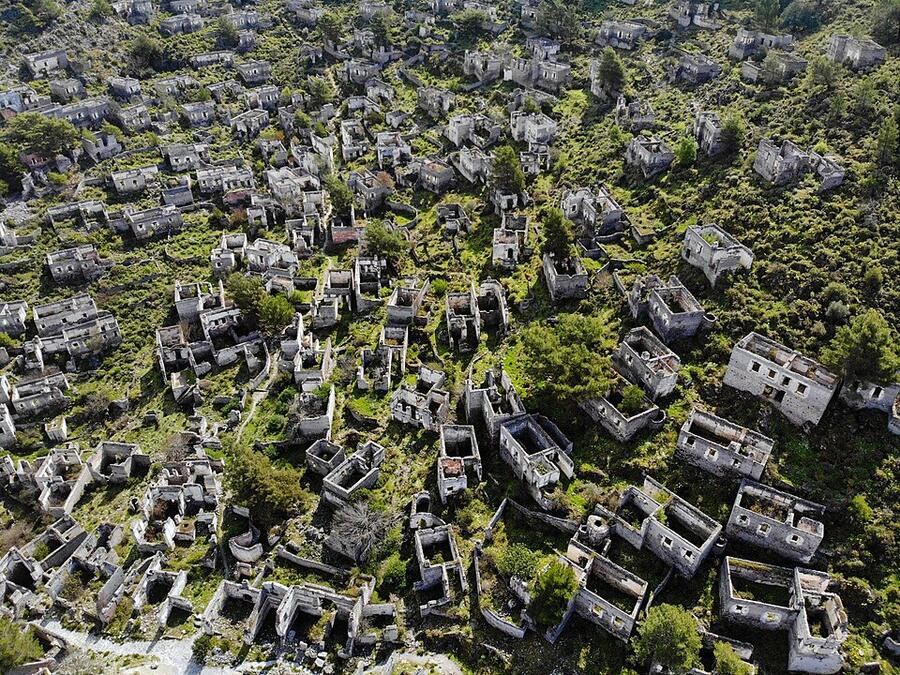
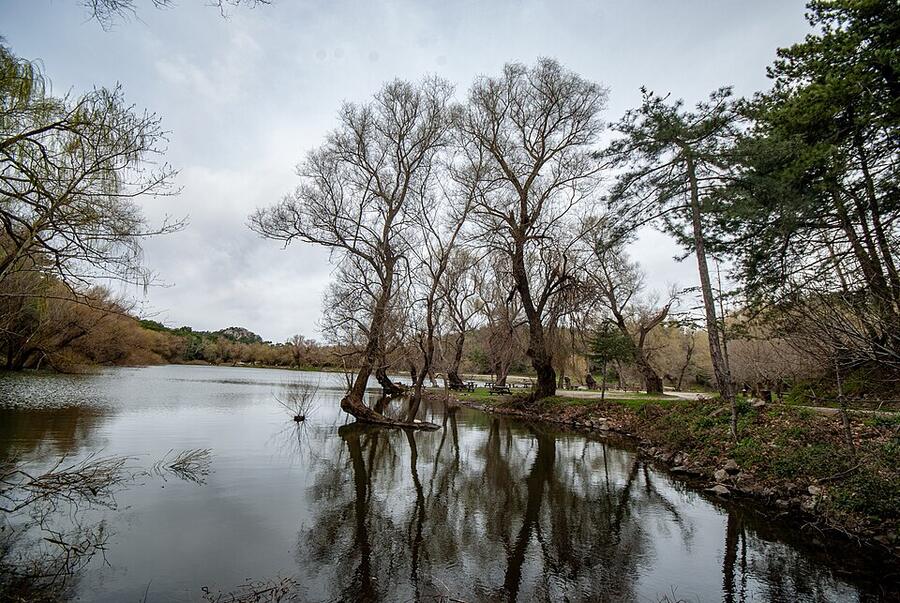
Photos illustrate the region; they are not photos of the campsites themselves.
- Urla: Yağmur Aydın, CC BY-SA 3.0, Wikimedia Commons